
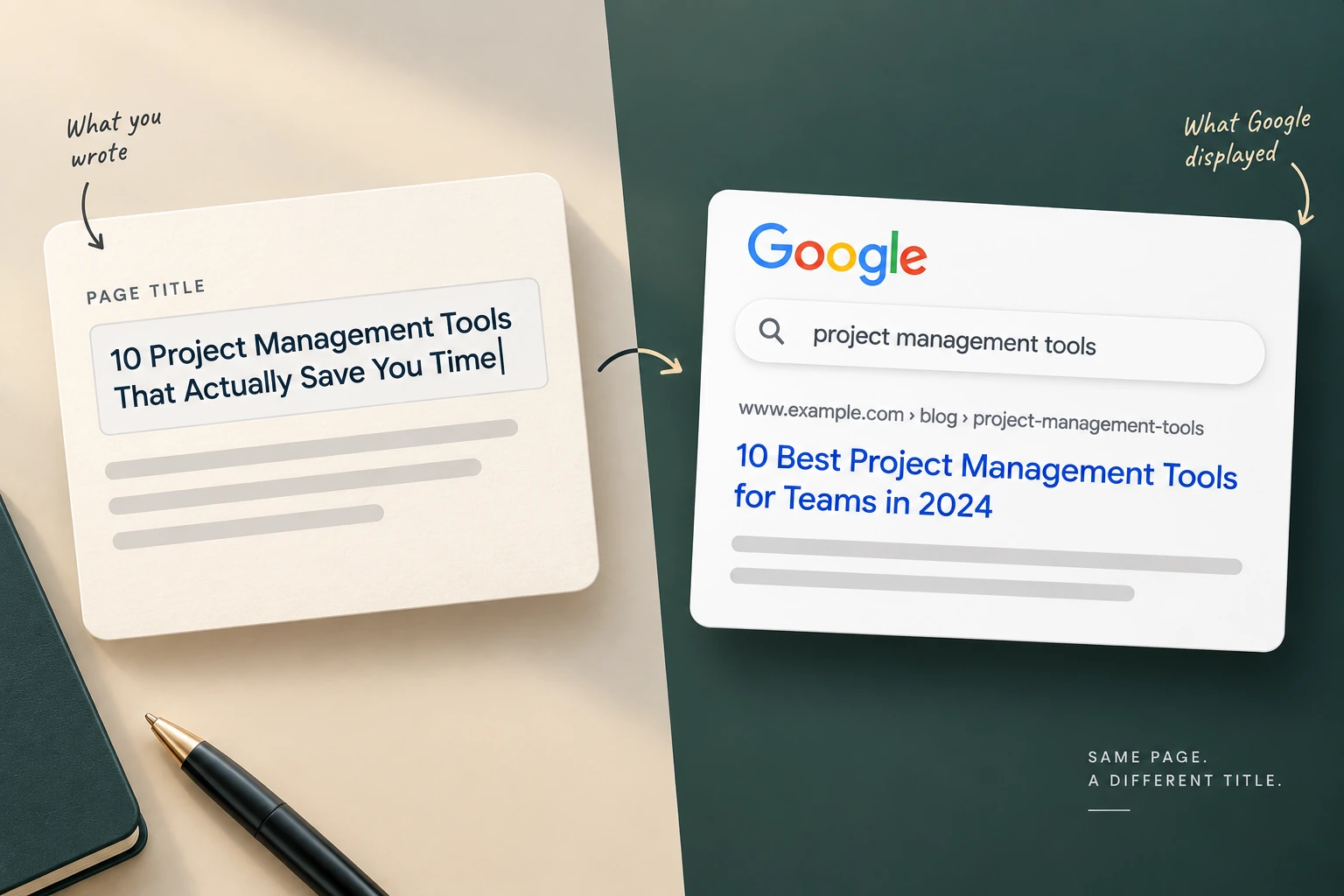
Google has generated its own result titles since 2021, and the documented triggers for overriding yours are keyword stuffing, boilerplate suffixes repeated site-wide, and titles that do not describe the page — which are the outputs of the standard on-page checklist. Meta descriptions are stated not to be a ranking factor, keyword density was never a documented one, and no word-count target exists. What survives is matching the format the query expects and answering the question asked next.
You wrote a title tag. You put the keyword near the front, added your brand at the end, kept it under sixty characters, and shipped it.
Google displayed something else.
The reaction is usually to assume something is broken, or that Google is being arbitrary. Neither. Google has been generating its own result titles since 2021, and it publishes the circumstances that prompt it to override yours.
Read that list and the uncomfortable thing becomes visible. The documented triggers are the checklist.
The triggers are the advice
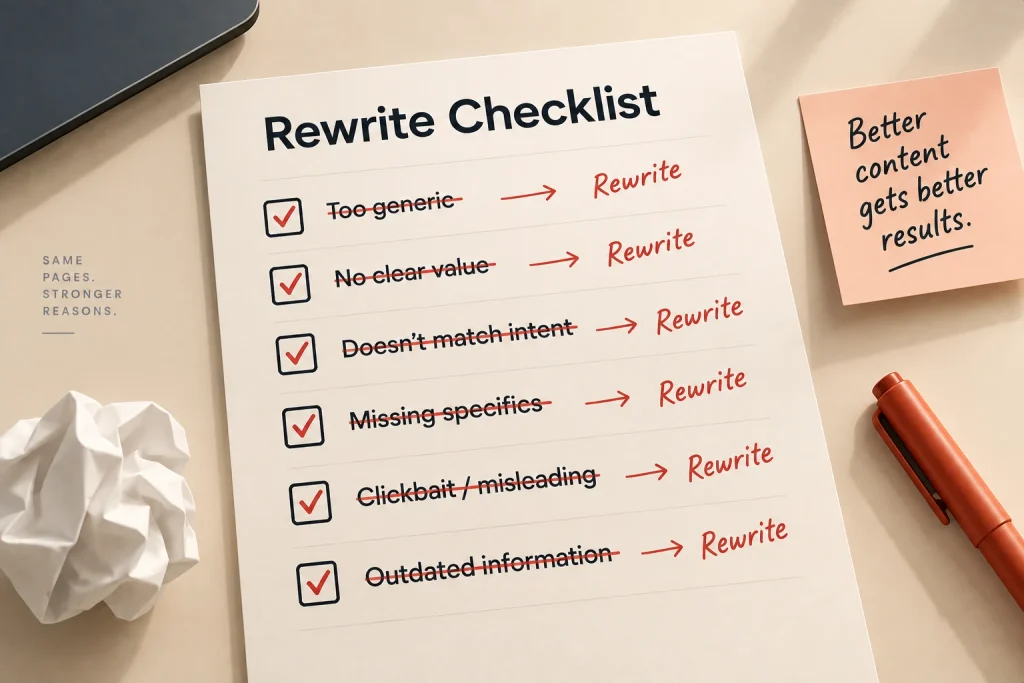
Google describes overriding a title when it is stuffed with repeated keywords, when it carries the same boilerplate across an entire site, when it is largely empty of description, or when it does not reflect what is on the page.
Now picture how titles get written in most Indian marketing teams. A template: Primary Keyword | Secondary Keyword | Brand Name in City. Applied to every page. Repeated across two hundred URLs with one variable swapped.
That is a keyword-stuffed, boilerplate, site-wide-repeated title. It ticks the box on the audit sheet and it is precisely the pattern Google says it replaces.
So the practical answer to “how do I stop Google rewriting my title” is not a technical setting. Write a title that describes the page to a person. Say what the page is, in words someone would use. Drop the pipe-separated keyword chain. Put the brand suffix on only where it adds something.
You cannot force it — the override is Google’s and there is no tag that disables it. What you can do is give it nothing worth overruling.
We should be honest about one thing here: the published estimates of how often rewrites happen vary enormously and rest on small, differently-built samples. We are not quoting one. The mechanism is documented; the frequency is not, at least not reliably.
What that looks like on an actual page
Abstract advice about titles is easy to agree with and hard to apply, so here is the exercise on a page we own.
The template version of the title for this article would read something like On-Page SEO Checklist | Title Tag Optimisation | Findise Solutions Mumbai. Three keyword phrases, a brand, a city. It scores well on an audit sheet. It is also stuffed, boilerplate-suffixed and, if we shipped the same construction across every post, repeated site-wide — three of the four documented triggers in one line.
The version we are using instead names the question the reader arrived with and answers half of it: Google Changed My Title Tag: Why, and What to Do.
No pipes. No city. The brand appears nowhere, because a reader who has never heard of us does not become more likely to click by seeing our name — and a reader who has heard of us can see the domain underneath.
That is the whole method. Say what the page is, to a person, in the words that person would use. If the resulting title reads like a sentence somebody might speak, you are finished.
The URL, and when to leave it alone
Slugs belong on the checklist and they come with a caveat nobody attaches.
Short, readable, descriptive of the page. No dates, no numbers the CMS invented, no five-word keyword chain. Fine. Do that when you create the page.
The caveat is what happens afterwards. Changing the URL of a page that already ranks means redirecting it, and while a redirect is designed to carry a page’s standing across, you are moving something that currently works for a gain that is small at best. The downside is real and the upside is marginal.
So the rule is asymmetric. Get it right at creation, and leave it alone after — unless the URL is actively misleading about what the page contains, or the page is being merged into another one anyway.
We would rather say this plainly than list “optimise your URLs” and let somebody rewrite two hundred slugs on a site that was ranking fine.
The rest of the checklist, audited
If the most visible item on the list has that much of an asterisk, the rest deserves a look.
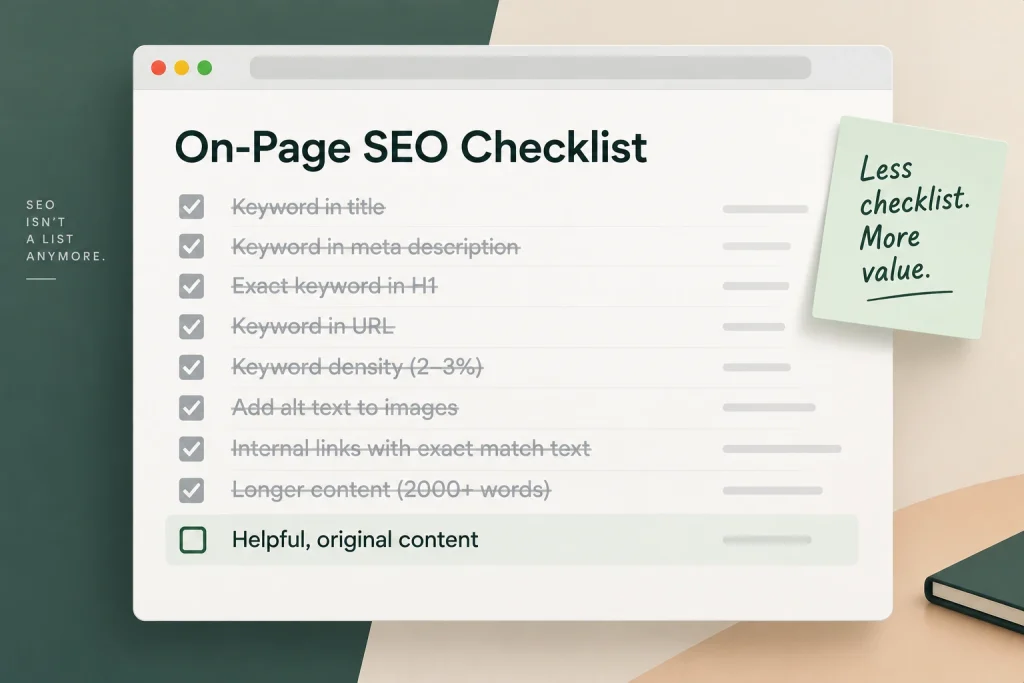
Meta descriptions. Google has stated for years that these do not influence ranking, and it routinely replaces them with text pulled from the page that matches the query. Which does not make them pointless — the description often appears, and it affects whether someone clicks. It makes them a click instrument. Judge them on click-through rate in Search Console, not on rankings, and stop assigning them to the SEO retainer as ranking work.
Keyword density. Never a documented factor. There is no percentage. The habit of counting appearances survives because it is easy to measure and easy to invoice.
Heading hierarchy. Useful for readers, useful for anyone using a screen reader, and Google understands a page’s structure without a perfect H1-to-H6 tree. Worth doing properly. Not worth a line item.
Image alt text. An accessibility requirement first, an image search input second. Write it for the person who cannot see the image. That produces better alt text than writing it for a crawler.
Word count. No target exists. Longer pages often rank because thorough coverage and length correlate, which is a different statement from length causing anything.
What remains after that audit is thinner than the deliverable most Indian SEO retainers describe. Our SEO strategy page makes the broader argument about why on-page work gets sold indefinitely. Here the point is narrower and more practical: most of the list is done once, correctly, and then finished.
What still works: the shape the query expects
Two things survived, and both are about the searcher rather than the source code.
The first is format. If the results for a query are all comparison pages, a comparison page is what the searcher wants and an essay will underperform regardless of how well written it is. If they are all short definitional answers, a 3,000-word guide is the wrong object.
Our article on reading the results before you write uses the same results page for a different decision — whether the query is worth attempting at all. This is the decision after that one: given that you are going to write it, what does the page have to be.
Open the top five. Note the shape, not the wording. Are they lists, walkthroughs, comparisons, calculators, definitional answers? Build that object. Then be better inside it.
What still works: the question after this one
The second is the piece nobody puts on a checklist, and it is where the headroom is.
Somebody searches a query. They read your page. Then they think of the next thing they want to know — and either they find it on your page or they go back to the results.
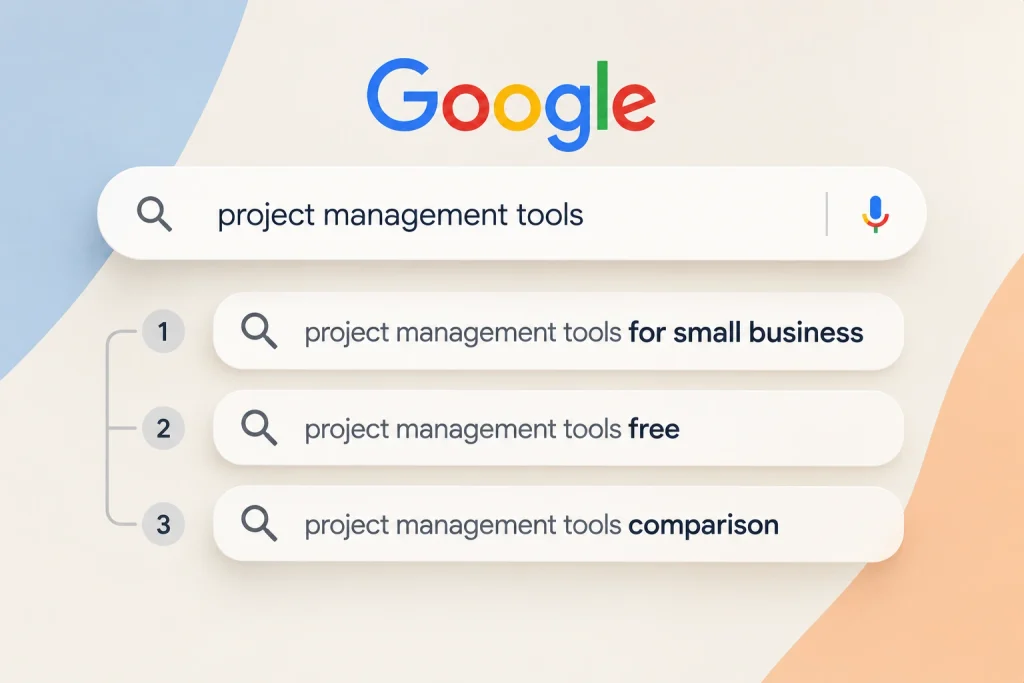
Google publishes what that next thing usually is. The People Also Ask box is a list of related questions. The related searches at the foot of the page are another. Between them you have a reasonable map of what the searcher wants after the first answer.
Most pages answer the query and stop. A page that answers the query and then covers the next three questions is doing the only on-page work with real room left in it, because it changes the reader’s behaviour rather than the document’s structure.
Practically: search your query, read the People Also Ask entries and the related searches, and check which ones your draft already handles. The ones it does not are your remaining sections. Anything genuinely large enough becomes its own page instead.
That is a content decision dressed as an on-page one, which is why it never appears on a technical list.
Where the work is finished
On-page work is complete when the page covers what the query needs, is in the format the results indicate, carries a title a person would click, and can be read on a phone.
After that, further edits are motion. Reordering headings, adjusting the keyword count, rewriting the description for the third time — these produce a report and no movement.
The thing to check next is whether the page is in the index at all, and we have written about pages Google read and declined to keep. After that, whether anything points at it — from outside and from inside your own site.
What on-page cannot do
It cannot substitute for authority. A perfectly built page on a site nobody cites will lose to a worse page on a site many people cite, and no amount of further on-page attention closes that gap.
It cannot make a page worth keeping if it says nothing new.
And it cannot rescue the wrong target. A flawlessly optimised page aimed at a query you were never in a position to win is a flawlessly optimised page on page four.
Final thoughts
The on-page checklist was written for a search engine that read pages more literally than this one does. Much of it has been automated away, demoted, or was never true.
Do the remaining items once, properly, and stop. Then spend the time you have recovered on the two things a checklist cannot capture: being the right shape, and answering what comes next.
If your retainer has been billing on-page optimisation for eighteen months, you can reach out to us on whatsapp at +91 7738844851 and we will tell you what is left to do on it — including, quite often, nothing.
More in Blog
Keep reading
All articles →


Ready to talk about your growth?
Tell us what's stuck and we'll tell you what we'd do first. Free, 30 minutes, no pitch.