YouTube Ad Types: Choosing the Right Format for the Job
YouTube ad types explained: skippable, non-skippable, bumper, in-feed, Shorts and Masthead. How each is billed, and which to use for your goal.

The short answer
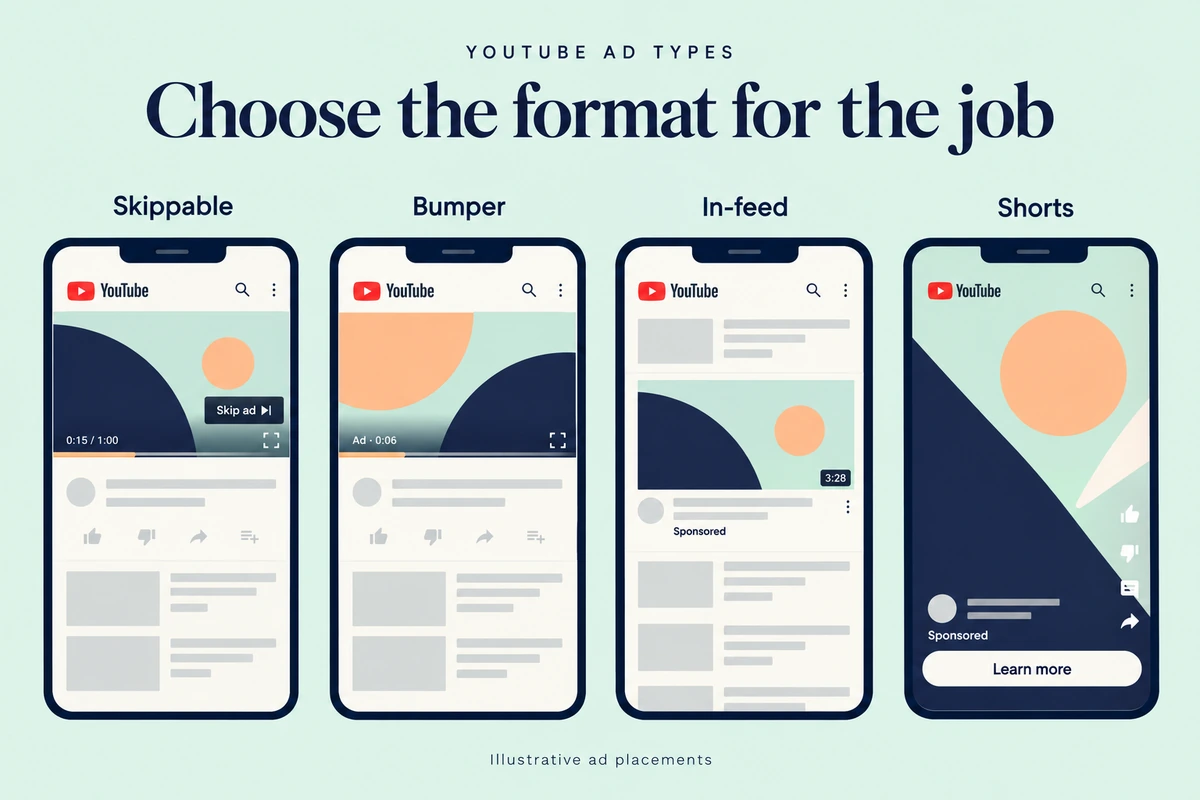
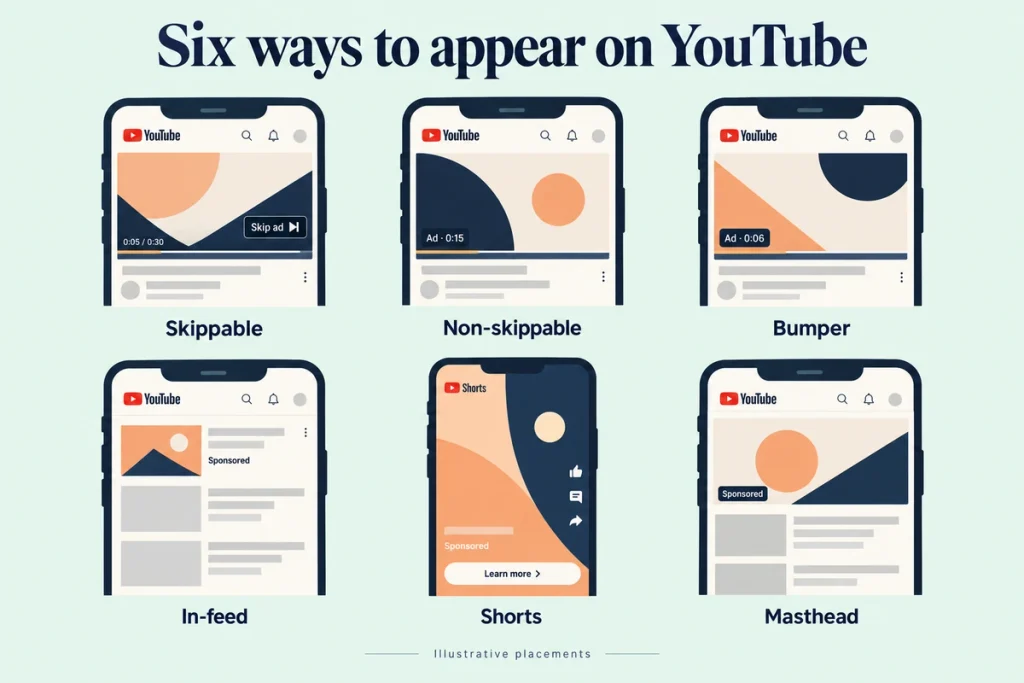
YouTube offers six main ad formats through Google Ads: skippable in-stream, non-skippable in-stream (15–60 seconds), bumper (up to 6 seconds), in-feed video, Shorts ads and the Masthead. They differ in length and in what you pay for: views, clicks or impressions. Choose by the job. Bumpers and Shorts for cheap reach and reminders. Skippable in-stream for explaining a product and driving action, because you only pay when people keep watching. In-feed for people actively browsing a topic. Masthead for big launches with big budgets.
The formats, from Google Ads Help
Skippable in-stream
Plays before, during or after other videos; viewers can skip after 5 seconds. No maximum length (under 3 minutes recommended). With cost-per-view bidding you pay when someone watches 30 seconds (or the full ad if shorter) or interacts.
Non-skippable in-stream
15 to 60 seconds, can’t be skipped. Target CPM: you pay per 1,000 impressions.
Bumper
Up to 6 seconds, non-skippable. Target CPM.
In-feed video
Appears in search results, next to related videos and on the home feed as a thumbnail with text. You pay when someone clicks to watch, or, in Video View campaigns, when it autoplays for at least 10 seconds.
Shorts ads
Vertical ads between Shorts. Under 60 seconds recommended. Billed by views/interactions or impressions, depending on campaign type.
Masthead
The top of the YouTube home page. Booked through Google sales, billed by CPM or cost per hour. Priced for large brands.
Choose by the job
Reach: get seen by many people fast.
Bumper, Shorts ads, non-skippable. Example: a D2C beverage brand launching a new flavour before summer.
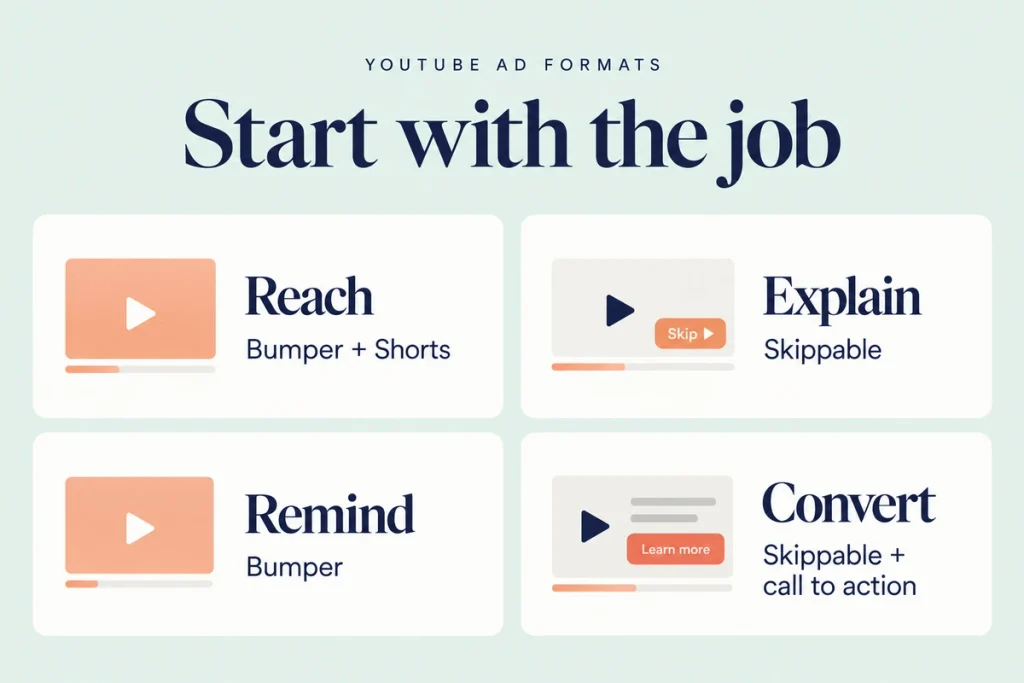
Explain: tell a story or show a product.
Skippable in-stream, 30 seconds to 2 minutes. Example: an EdTech company showing a class in action.
Remind: stay top of mind with people who already know you.
Bumpers to past site visitors or viewers. Example: a real estate developer reminding site-visit leads about a weekend offer.
Convert: get a lead or sale.
Skippable in-stream or in-feed, with a clear call to action and a landing page or WhatsApp link. Example: a coaching institute driving demo-class sign-ups.
A common sequence: Shorts or bumpers for reach, skippable for explanation, then bumpers or skippable remarketing to convert.
Creative rules by format
Bumper (6 seconds): one message, one visual, brand from frame one.
Skippable: the first five seconds must earn the next 25. Show the problem or payoff immediately; see hook rate.
Non-skippable: no need to fight the skip, but annoyed viewers still don’t buy. Keep it tight.
In-feed: the thumbnail and headline do the selling, as with an organic video.
Shorts: vertical, native-feeling, fast. A polished TV ad cropped to vertical usually looks out of place.
Rotate creatives every few weeks to avoid creative fatigue.
How to set up a YouTube campaign
- Link your YouTube channel to Google Ads
- Upload the ad video to YouTube (it can be unlisted)
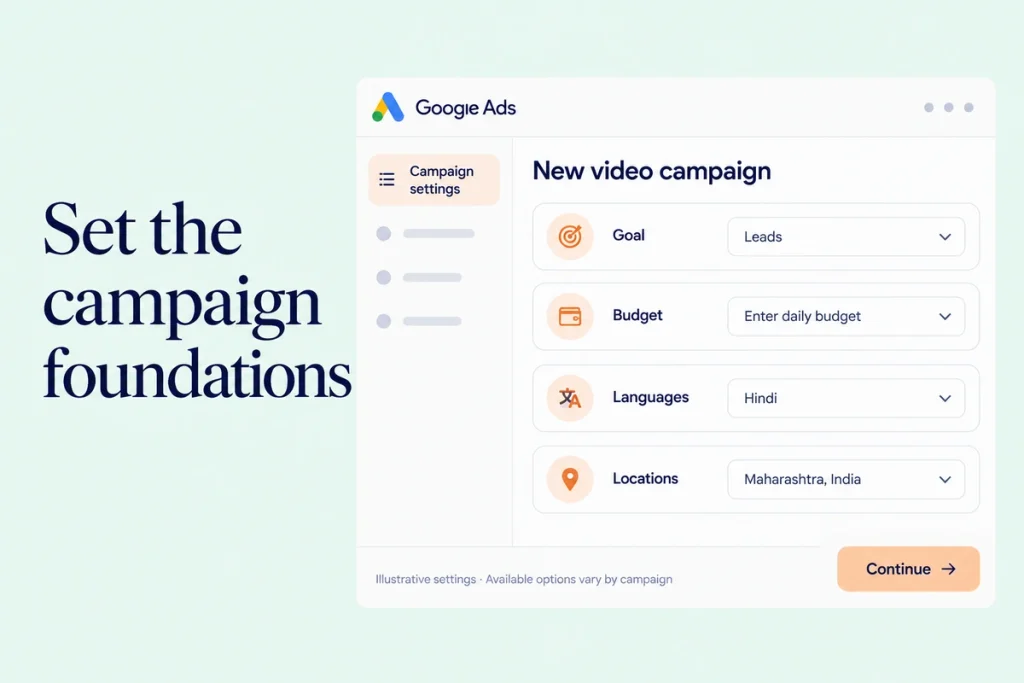
- In Google Ads, create a new campaign and choose a goal (leads, sales, website traffic, awareness, consideration)
- Pick a video campaign subtype, which determines available formats
- Set budget, bidding, audiences, languages and locations (for example Hindi, Maharashtra)
- Add the video, headline, call to action and final URL
- Launch, then review placements and results after a week
For budgets, see YouTube advertising cost in India.
Which format is “best”?
There isn’t one. For most Indian small and mid-sized businesses starting out, skippable in-stream is the safest first test, because you pay only for viewers who choose to watch 30 seconds or interact. Add bumpers for remarketing once you have an audience.
If you’re comparing YouTube with Meta, look at our Google Ads vs Meta Ads guide.
Mistakes to avoid
Using a TV commercial unchanged. Online viewers need the hook in seconds.
Bumpers for complex products. Six seconds can’t explain SaaS pricing.
No call to action. Add a CTA and a landing page that matches the ad.
Not checking placements. Exclude irrelevant channels and kids’ content.
One creative for everything. Vertical for Shorts, horizontal for in-stream.
Checklist
- Goal chosen: reach, explain, remind or convert
- Format matched to the goal
- Creative made for the format’s length and orientation
- Brand and message in the first five seconds
- CTA and landing page or WhatsApp link with UTMs
- Placement exclusions set
- Review after 7 and 14 days
Questions we get asked
What’s the difference between skippable and bumper ads?
Skippable ads can be any length and are usually paid per view; bumpers are six seconds, can’t be skipped and are paid per 1,000 impressions.
Can small businesses advertise on YouTube?
Yes. There’s no high minimum spend; a focused test can start at ₹1,000 to ₹3,000 a day.
Do I need a YouTube channel to run ads?
Yes. The ad video must be uploaded to YouTube, but it can be unlisted.
Final thoughts
Pick the job first, then the format. Start with skippable in-stream, add bumpers for reminders, and use Shorts for cheap reach. That’s the paid side of YouTube marketing.
Want a YouTube campaign planned around your goal? Book a consultation. You can reach out to us on whatsapp at +91 7738844851 .
More in Blog
Keep reading
All articles →
Ready to talk about your growth?
Tell us what's stuck and we'll tell you what we'd do first. Free, 30 minutes, no pitch.