YouTube Tags: What They Do, and Where to Spend Your Time Instead
YouTube tags play a minimal role in discovery, YouTube says. When tags still help, how to add them, and what matters more for getting found.

The short answer
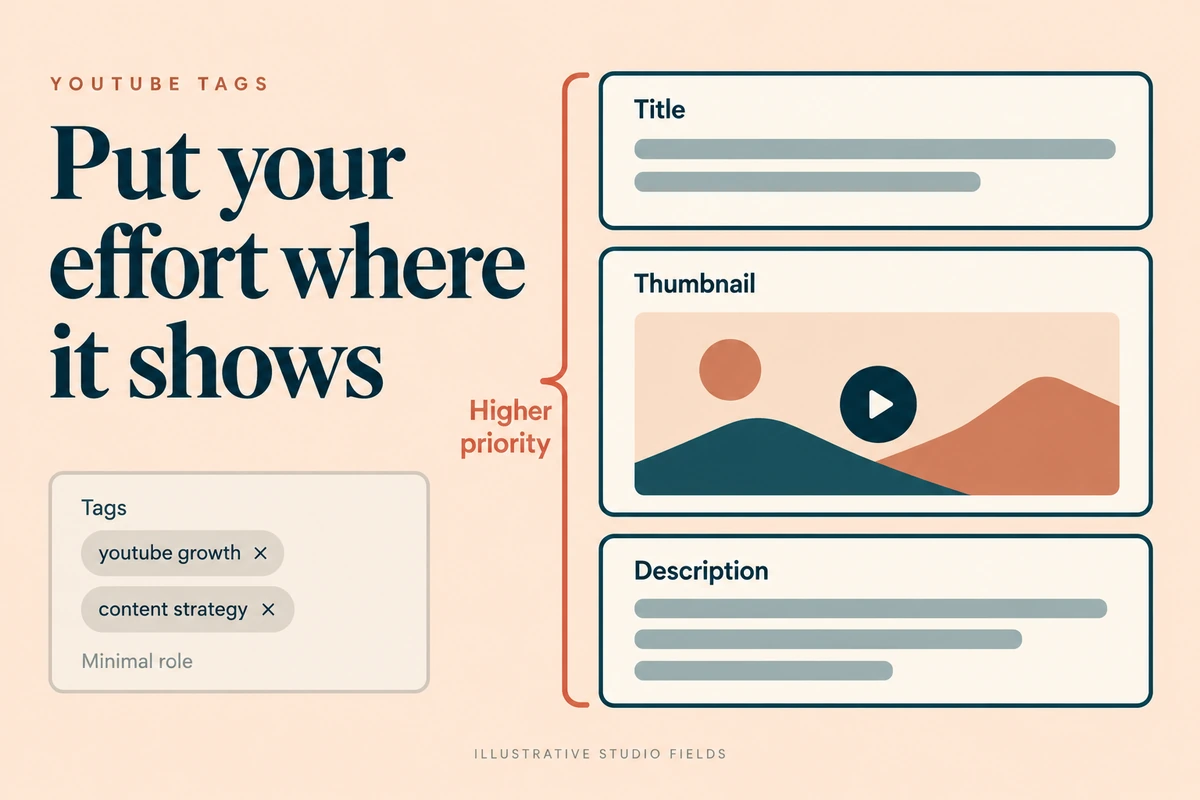
YouTube tags are optional keywords you add to a video in YouTube Studio. YouTube’s own Help page says tags “play a minimal role” in discovery, and that the title, thumbnail and description are more important. Tags are mainly useful when your topic is commonly misspelled or has several spellings. So add a few relevant tags if you like, then spend your real effort on the title, thumbnail and description.
What tags are for
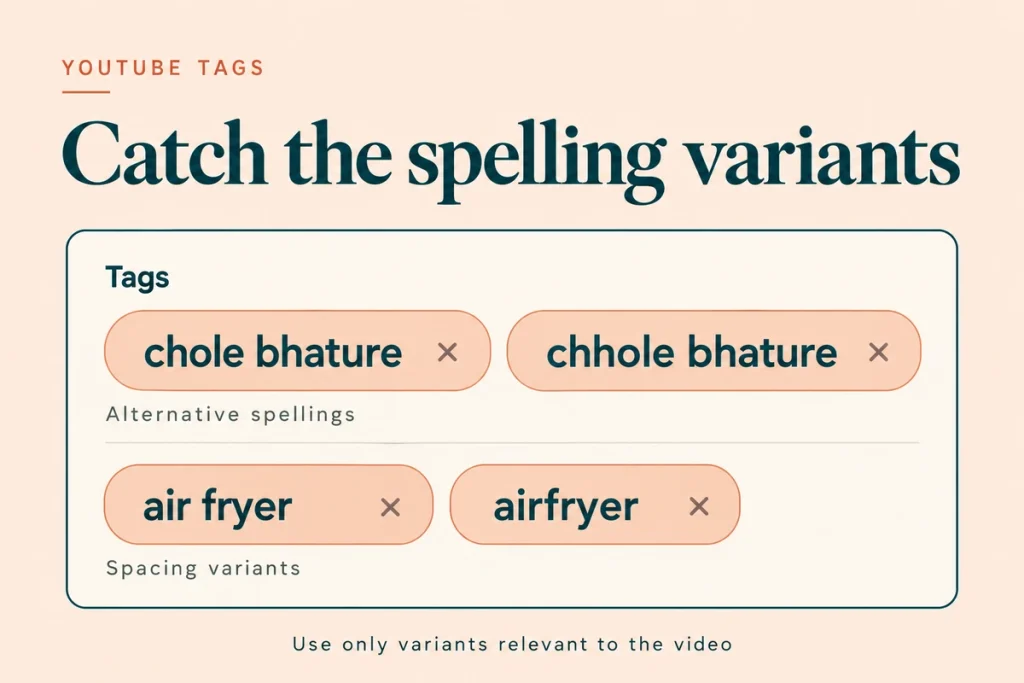
YouTube describes tags as descriptive keywords that help correct common misspellings. That’s their main job today.
Examples where tags genuinely help:
- Brand names people misspell: “Zomato” vs “Zomatto”, “Haldiram” vs “Haldirams”
- Transliterated Hindi or regional terms: “chole bhature” vs “chhole bhature”, “rasam” vs “rassam”
- Product names with variants: “air fryer” vs “airfryer”
- Acronyms: “GST” and “goods and services tax”
How many tags to use
There’s no benefit in filling the tag box. Five to ten relevant tags covering spellings and close variants is plenty. Irrelevant tags can break YouTube’s policy against misleading metadata.
How to add tags
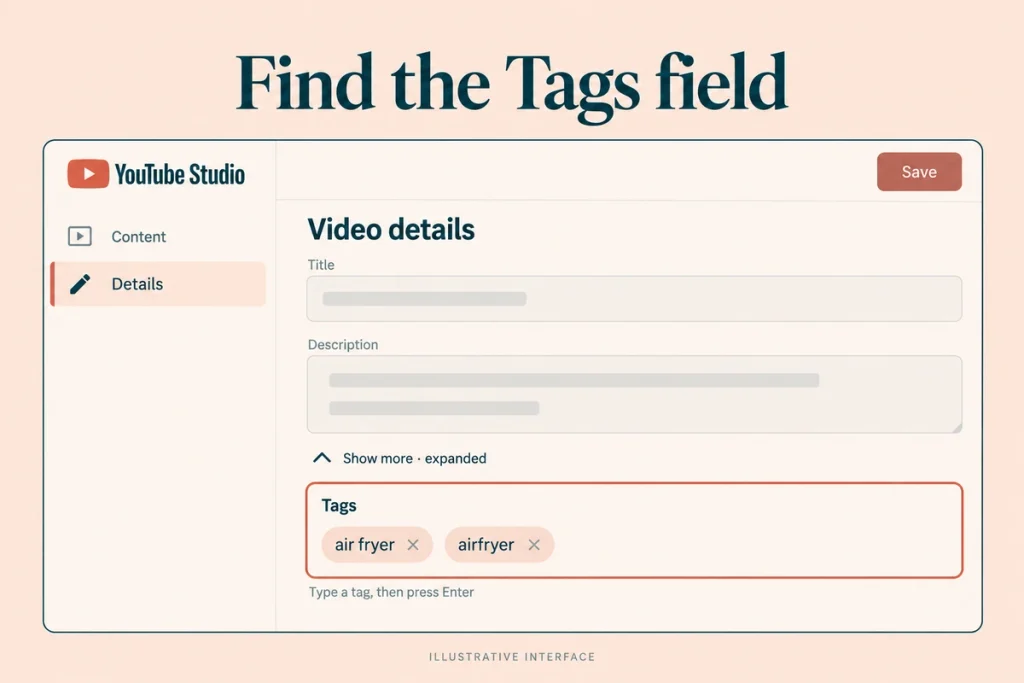
- YouTube Studio › Content › select the video
- In Details, click Show more
- Find Tags, type each tag and press Enter or comma
- Save
Tags vs hashtags
Tags are hidden metadata in Studio. Viewers don’t see them.
Hashtags (#GST, #InteriorDesign) are visible in the title or description and are clickable. Keep them few and relevant. Our guide to Instagram hashtags covers a similar shift on Instagram, where hashtags also became labels rather than reach levers.
Where to spend the time instead
Title. Match how buyers search. “Modular kitchen cost in Pune (2026)” beats “Our latest project”.
Thumbnail. One idea, readable on a phone, consistent with the title.
Description. First two lines with your main keyword and a clear summary. See our YouTube description template.
The video itself. Say the key phrase early, so viewers know they’re in the right place and stay for the answer.
Captions. Upload or correct captions, especially for Hindi and Hinglish, where auto-captions can miss words.
More in our YouTube SEO guide.
Mistakes to avoid
Paying for tag generators. They don’t change the fact that tags have a minimal role.
Copying competitors’ tags. Irrelevant tags can be treated as misleading.
Tagging trending terms unrelated to your video. Policy risk, no benefit.
Spending more time on tags than on the thumbnail. The thumbnail is what people actually see.
Checklist
- Tags limited to spellings, variants and acronyms
- No competitor or unrelated trending tags
- Title matches buyer search language
- Thumbnail readable on a phone
- Description’s first two lines carry the keyword
- Captions checked
Questions we get asked
Do YouTube tags help SEO?
Very little, according to YouTube. They help mainly with misspellings.
Should I use my channel name as a tag?
It does no harm and can help people who misspell your brand find you.
Are tags visible to viewers?
No, unless someone uses a browser extension or looks at the page source.
Final thoughts
Tags are a two-minute job, not a strategy. Put the effort into the title, thumbnail, description and the video itself. That’s where YouTube marketing is won.
Want your channel metadata audited? Book a consultation. You can reach out to us on whatsapp at +91 7738844851 .
More in Blog
Keep reading
All articles →

Ready to talk about your growth?
Tell us what's stuck and we'll tell you what we'd do first. Free, 30 minutes, no pitch.